| Note: This article describes the legacy Reports app. You can still open reports you saved there, but new reports are built in the current Reports app. To start one, click Create new... in the left-hand sidebar, then Report. See Create a Report. |
You can save any report as a project quickly and easily. This allows you to come back to all of your saved reports and reuse them.
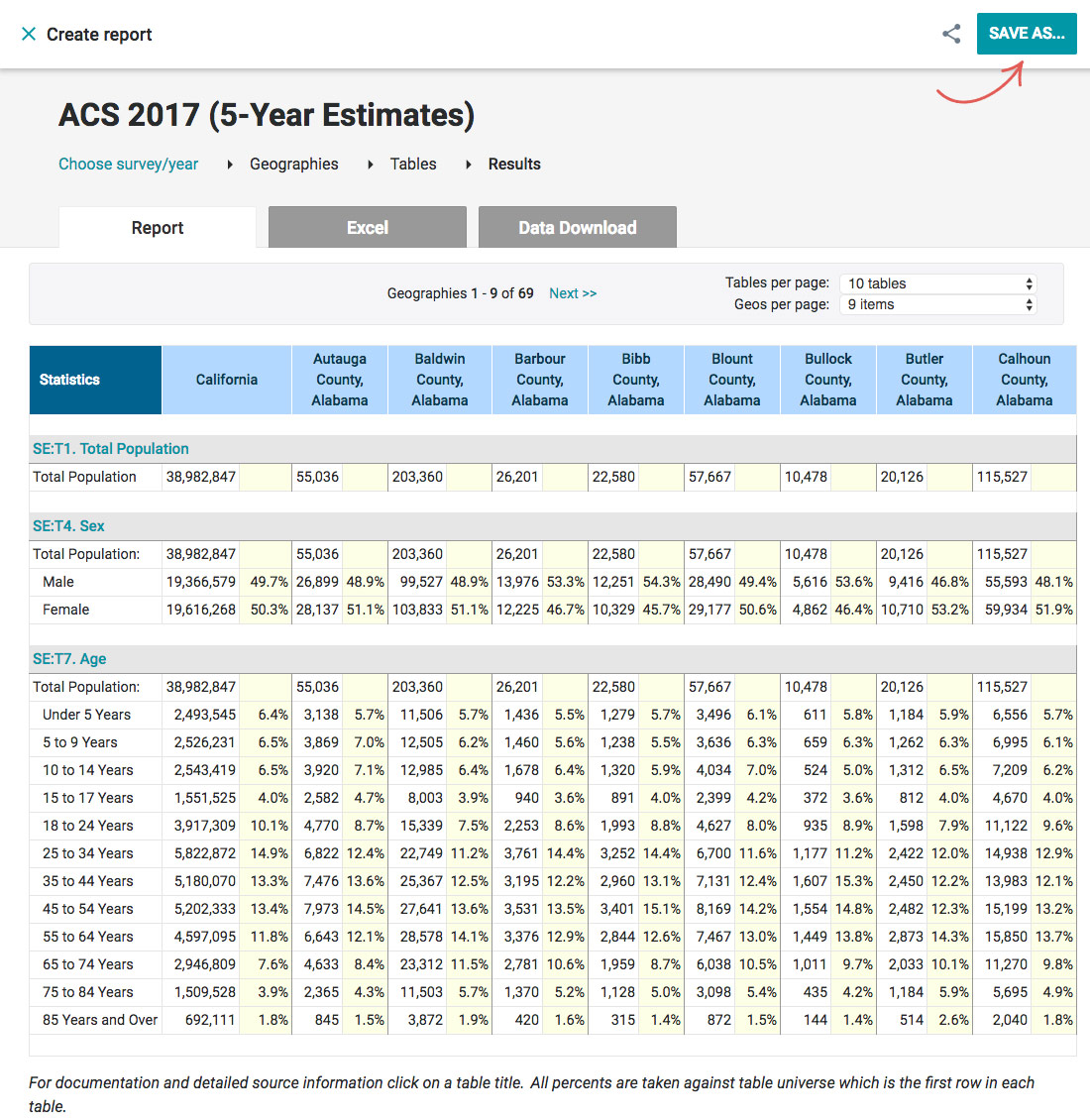
- In the upper-right corner of the Results page, click Save As…
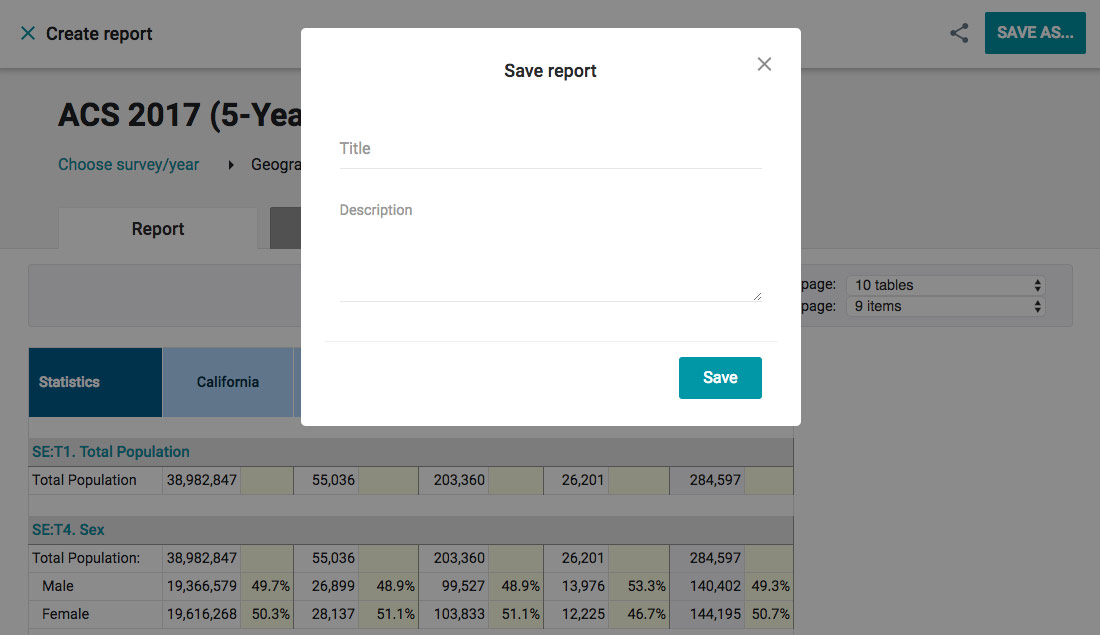
- Enter the title and description.
- Click Save.
|
Note: You can access all your saved reports by heading over to the My Reports page. |
|
Tip: To reuse a report, simply open one of your saved reports, make changes to it and when you click on Show Results a new report will be created. Your saved reports will never be modified. |